If you're creating QR codes for your business, you've probably encountered two terms: static and dynamic. Understanding the difference can save you hundreds of dollars in reprinting costs and countless hours of frustration.
In this guide, we'll break down exactly what each type does, when to use them, and help you make the right choice for your needs.
The Quick Answer
Before we dive deep, here's the fundamental difference:
- •Static QR code: The URL is baked directly into the QR pattern. Once printed, it can never be changed. Period.
- •Dynamic QR code: The QR code points to a redirect URL. Change your destination anytime—no reprinting required.
Think of it this way: a static QR code is like a tattoo (permanent), while a dynamic QR code is like a billboard (you can change the message anytime).
Understanding Static QR Codes
A static QR code contains the data directly in the QR pattern itself. What you see is literally what you get.
How Static QR Codes Work
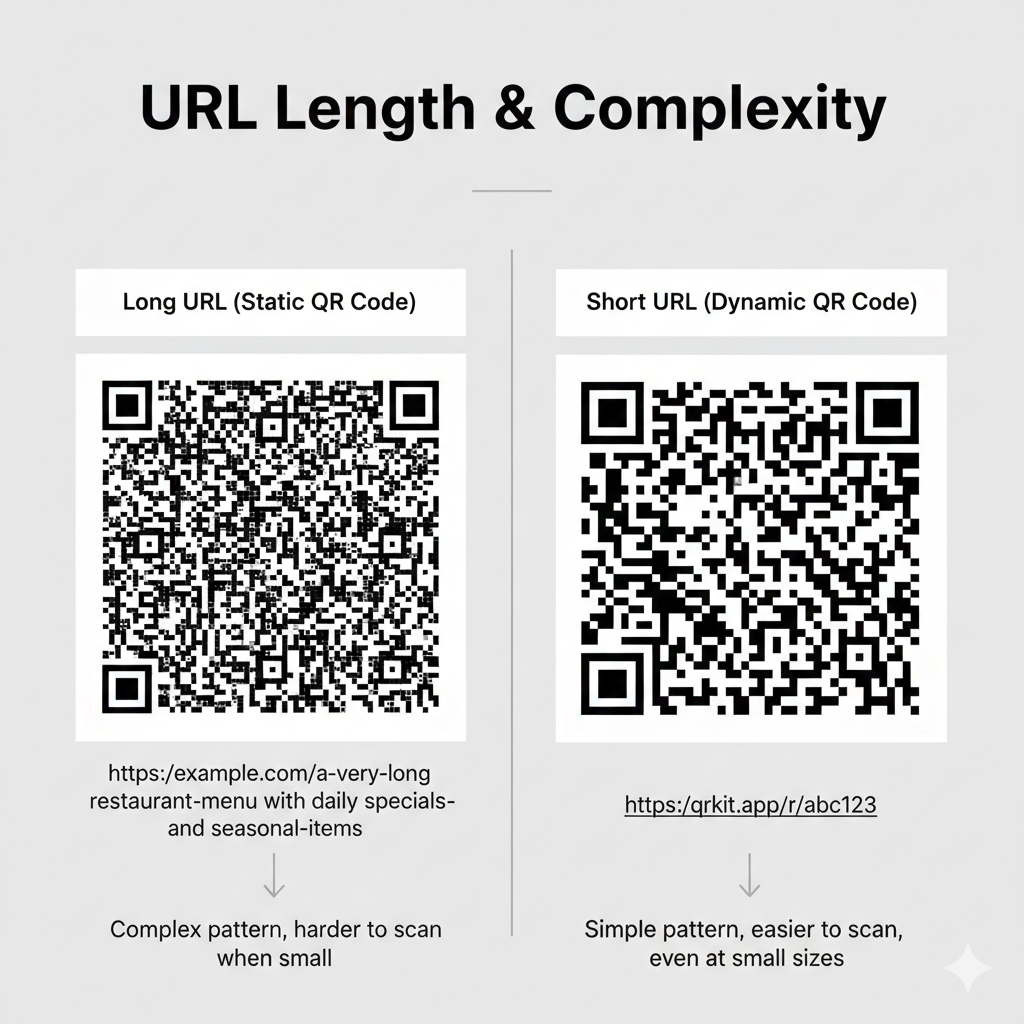
When you create a QR code for https://example.com/menu, that exact URL is encoded into the black and white pattern. Every character in your URL becomes part of the pattern—which means longer URLs create more complex, denser patterns.
The Pros of Static QR Codes
The Cons of Static QR Codes
Best Use Cases for Static
- •Personal WiFi passwords (rarely change)
- •One-time event tickets
- •Contact vCards for stable information
- •Simple donation links
Understanding Dynamic QR Codes
A dynamic QR code works differently. Instead of containing your final destination, it points to a short redirect URL that you control.
How Dynamic QR Codes Work
Instead of encoding https://yourrestaurant.com/menu-spring-2024-updated-v3, the QR code contains something like https://qrlocker.co/r/abc123.
When someone scans it, our server instantly redirects to your actual destination. The magic? You can change that destination anytime through your dashboard—no new QR code needed.
The Pros of Dynamic QR Codes
The Cons of Dynamic QR Codes
Best Use Cases for Dynamic
- •Restaurant menus (prices change!)
- •Marketing materials and flyers
- •Product packaging
- •Business cards
- •Anything you might need to update later
Side-by-Side Comparison
Here's how they stack up across key features:
Real-World Scenarios
Let's look at practical examples to make this concrete.
Scenario 1: Restaurant Menu
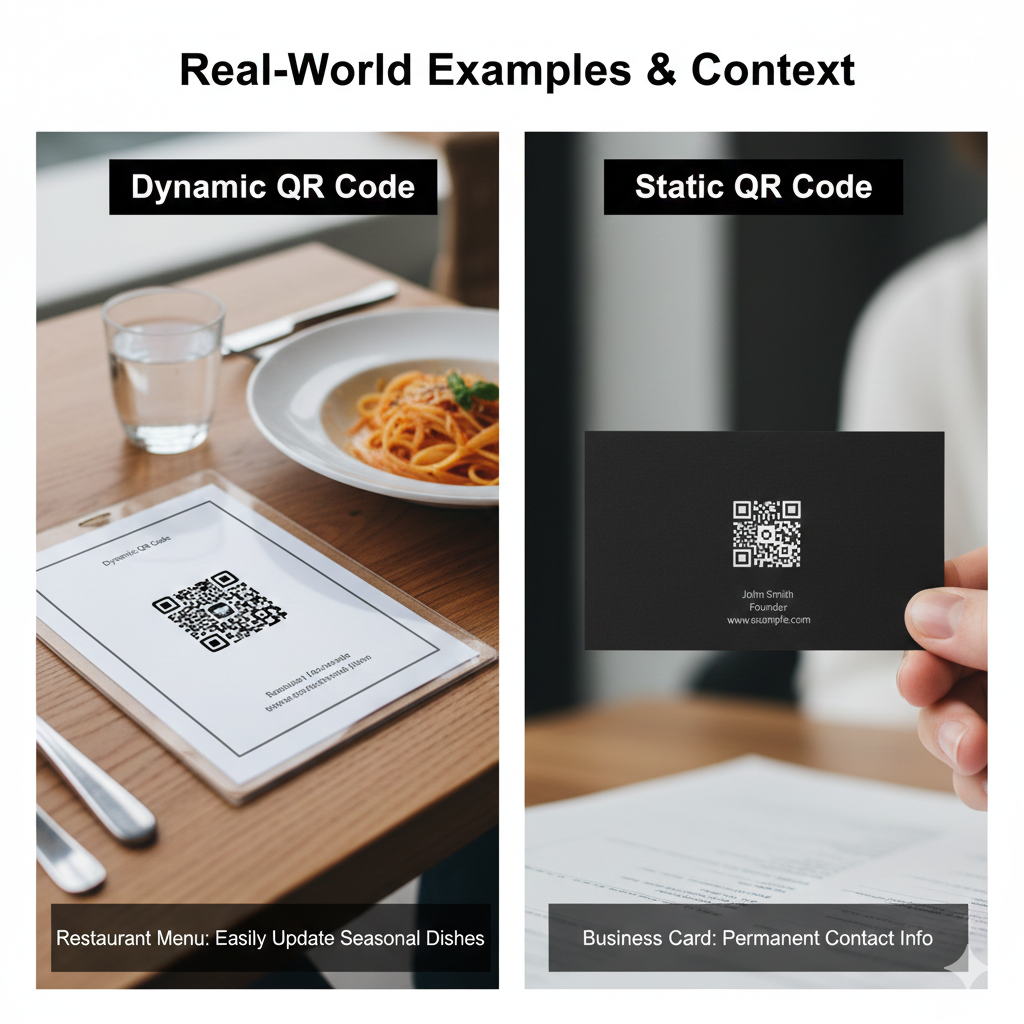
The situation: You print 500 table tents with QR codes linking to your menu.
With static: Three months later, you update your website and the menu URL changes. All 500 table tents now show an error page. Cost to reprint: $400+
With dynamic: You log in, update the destination URL in 10 seconds. All 500 table tents now point to the new menu. Cost: $0
Winner: Dynamic (obviously)
Scenario 2: Home WiFi
The situation: You create a QR code so guests can connect to your WiFi.
With static: Works perfectly. Your WiFi password probably won't change for years.
With dynamic: Also works, but you're paying for features you don't need.
Winner: Static (simple and free)
Scenario 3: Business Cards
The situation: You print 1,000 business cards with your portfolio link.
With static: You redesign your website next year with a new URL structure. All 1,000 cards are now useless.
With dynamic: Update the redirect. Cards still work perfectly.
Winner: Dynamic (future-proofing is worth it)
The "What If" Decision Test
Not sure which to choose? Ask yourself one question:
"What if I need to change this URL after printing?"
- •Answer: "I'll just reprint" → Static is fine
- •Answer: "That would be expensive or impossible" → Use dynamic
It's that simple. If there's any chance you'll need to update the destination, dynamic saves you from future headaches.
The Hidden Cost Problem
Here's what most people don't realize about dynamic QR codes: the industry has a pricing problem.
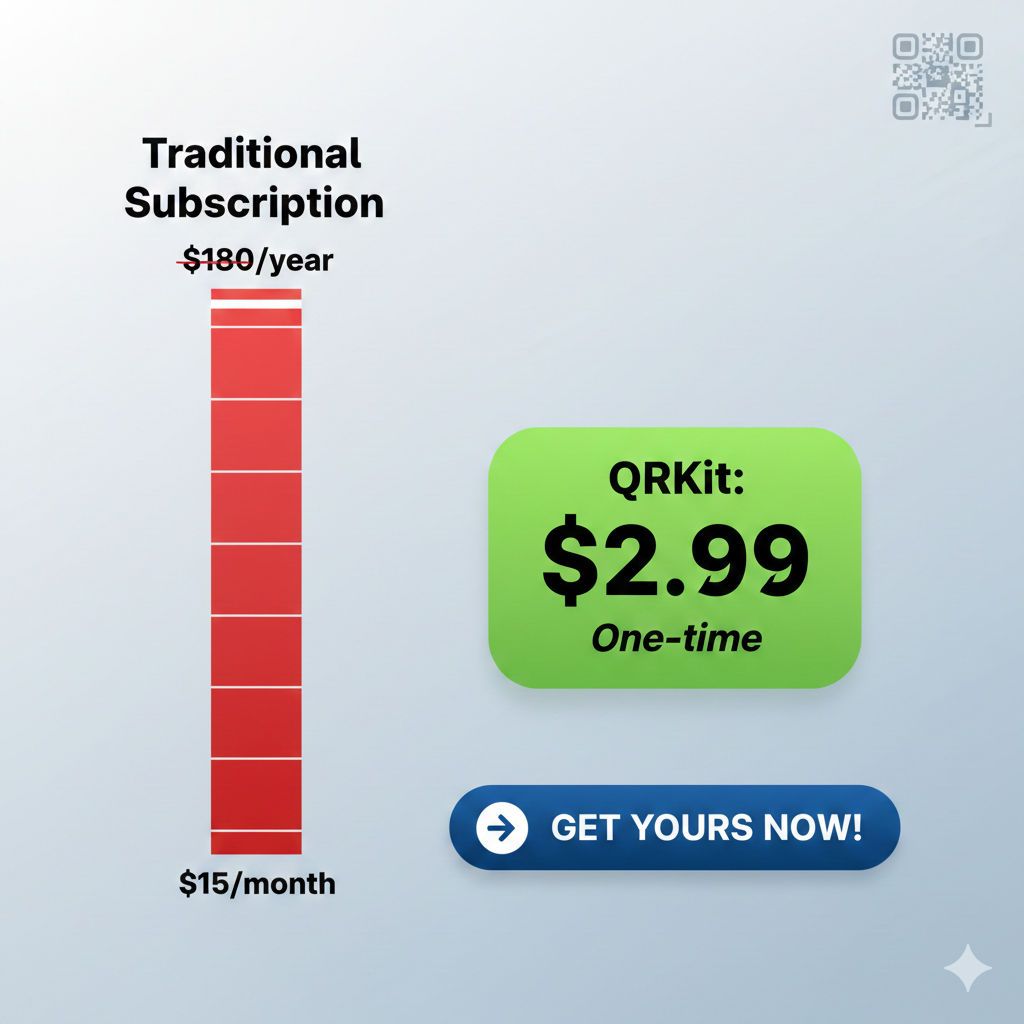
Most services charge $10-20 per month for dynamic QR codes. Let's do the math:
- •Year 1: $120-240
- •Year 2: $240-480
- •Year 3: $360-720
For a small business that just needs a few editable QR codes, that's absurd.
And here's the worst part: if you cancel, your QR codes stop working. All those printed materials become useless. You're essentially locked in forever.
A Better Way: Free QR Generation
This is exactly why we built QRLocker differently.
QRLocker offers QR codes 100% free. No monthly fee. No yearly fee. No payment at all, ever.
- •✅ Generate QR codes instantly
- •✅ No account required
- •✅ Download in high resolution
- •✅ No subscription lock-in
The math: QRLocker costs nothing, while competitors charge for every month you keep your codes.
Making Your Decision
Here's our straightforward recommendation:
Use Static when:
- •Content will never change
- •You need offline functionality
- •Budget is the only concern
- •It's for personal/temporary use
Use Dynamic when:
- •URL might change (even 1% chance)
- •You want scan analytics
- •It's for business/marketing
- •Materials are expensive to reprint
Bottom line: For anything business-related that you're printing, dynamic is almost always the smarter choice. The small upfront cost prevents potentially large reprinting costs later.
Ready to Create Your QR Code?
Whether you need static or dynamic, QRLocker makes it simple:
- •QR codes: 100% free, forever
- •No account needed: Just create and download
Stop paying monthly for something you should own outright.