Why Restaurants Need QR Codes
QR codes have become essential for modern restaurants. They reduce printing costs, enable instant menu updates, and create a contactless experience that many customers now prefer.
5 Ways Restaurants Use QR Codes
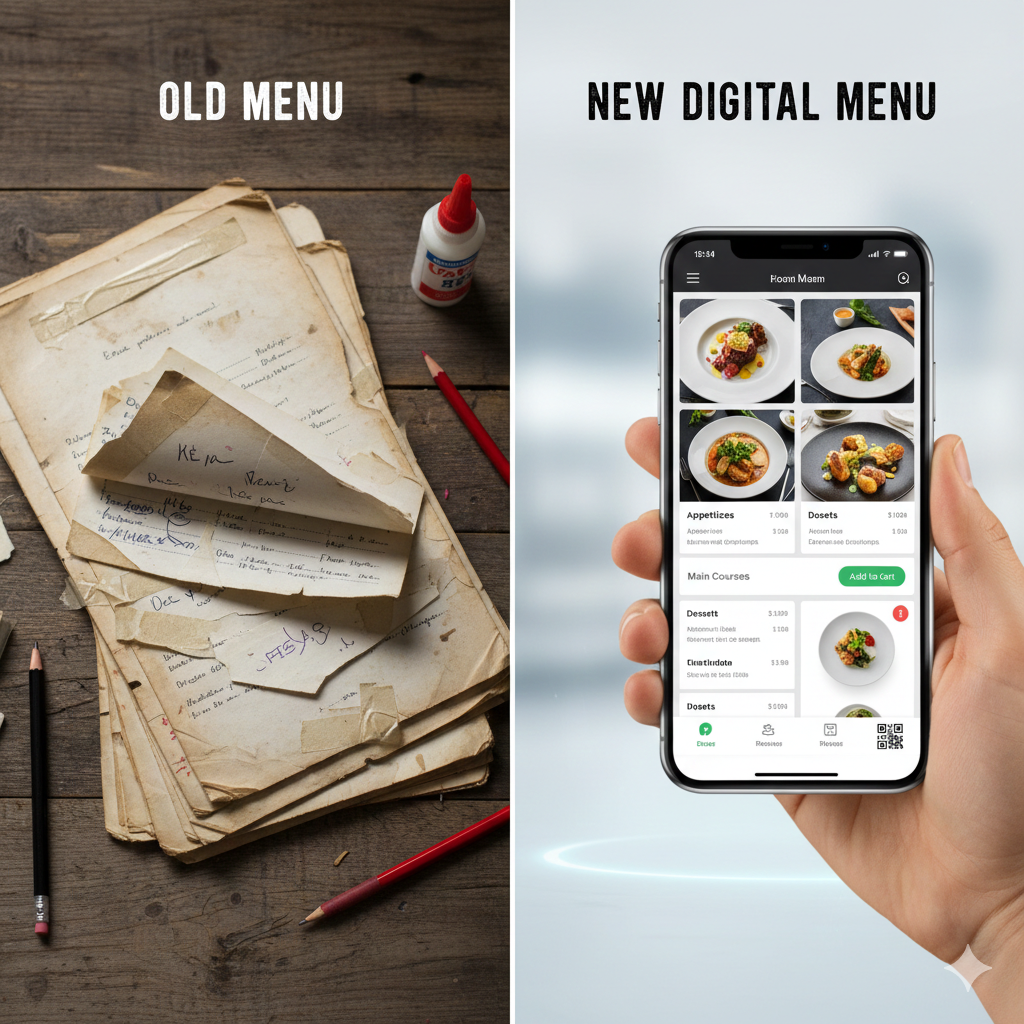
1. Digital Menus
The most common use case. Instead of printing menus, customers scan a QR code to view the menu on their phones.
Benefits:
- •Update prices instantly without reprinting
- •Add seasonal items or daily specials in seconds
- •Include photos that printed menus can't afford
- •Support multiple languages automatically
Best practices:
- •Link to a mobile-optimized page (not a PDF)
- •Keep the page fast-loading
- •Use large, readable fonts
- •Include clear categories
2. Table Ordering
Take it further by letting customers order directly from the QR code.
Benefits:
- •Reduce wait times for servers
- •Increase order accuracy
- •Upsell with suggestions
- •Handle rush hours with less staff
Implementation tips:
- •Integrate with your POS system
- •Allow order modifications
- •Show estimated wait times
- •Enable re-ordering for drinks
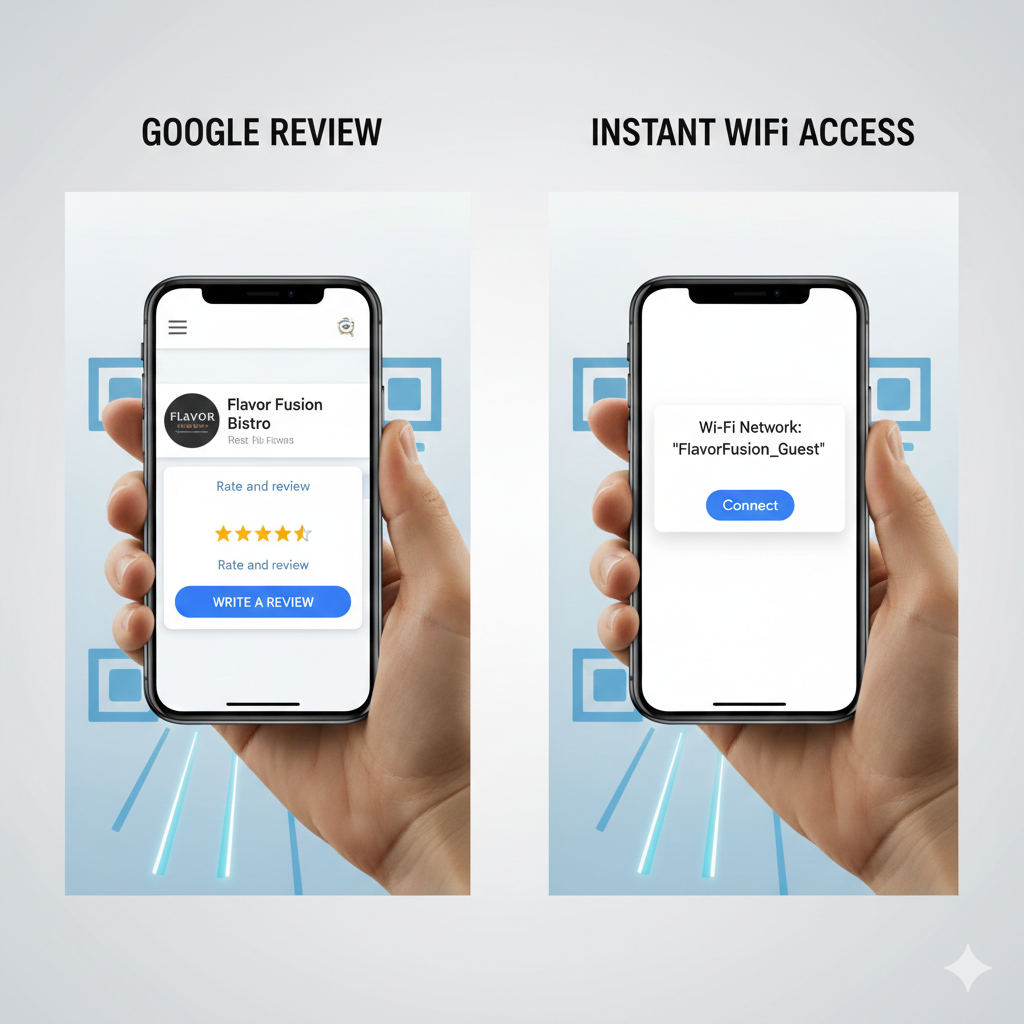
3. Google Review Collection
Your Google rating directly impacts new customer discovery. QR codes make leaving reviews frictionless.
Strategy:
- •Place QR codes on receipts or table tents
- •Link directly to your Google review page
- •Ask at the right moment (after a good meal, not before)
- •Train staff to mention it naturally
Pro tip: Use a dynamic QR code so you can switch between platforms (Google, Yelp, TripAdvisor) based on your needs.
4. WiFi Access
No more shouting the password across the restaurant.
Setup:
- •QR code automatically connects to WiFi
- •No typing required
- •Works on both iPhone and Android
- •Can include a landing page with social links
5. Loyalty Programs
Replace punch cards with digital tracking.
Benefits:
- •Customers can't lose digital cards
- •Track visit frequency and spending
- •Send targeted promotions
- •Build your customer database
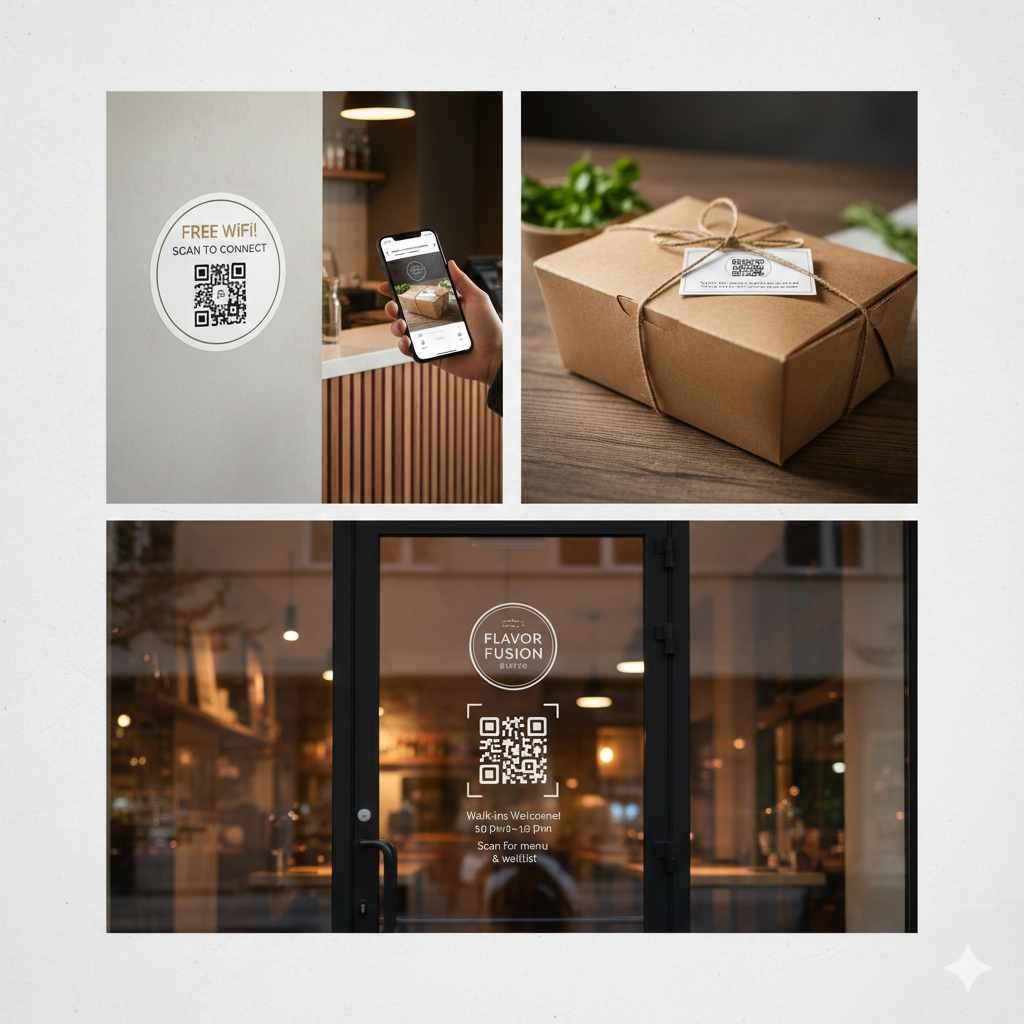
Where to Place QR Codes
QR Code Design Tips for Restaurants
- 1.Size matters — At least 3 cm × 3 cm for table-top scanning
- 2.Contrast is key — Dark code on light background works best
- 3.Add context — "Scan for Menu" performs better than a naked QR code
- 4.Brand it — Add your logo in the center (but test that it still scans)
- 5.Weatherproof — Laminate or use durable materials for outdoor seating
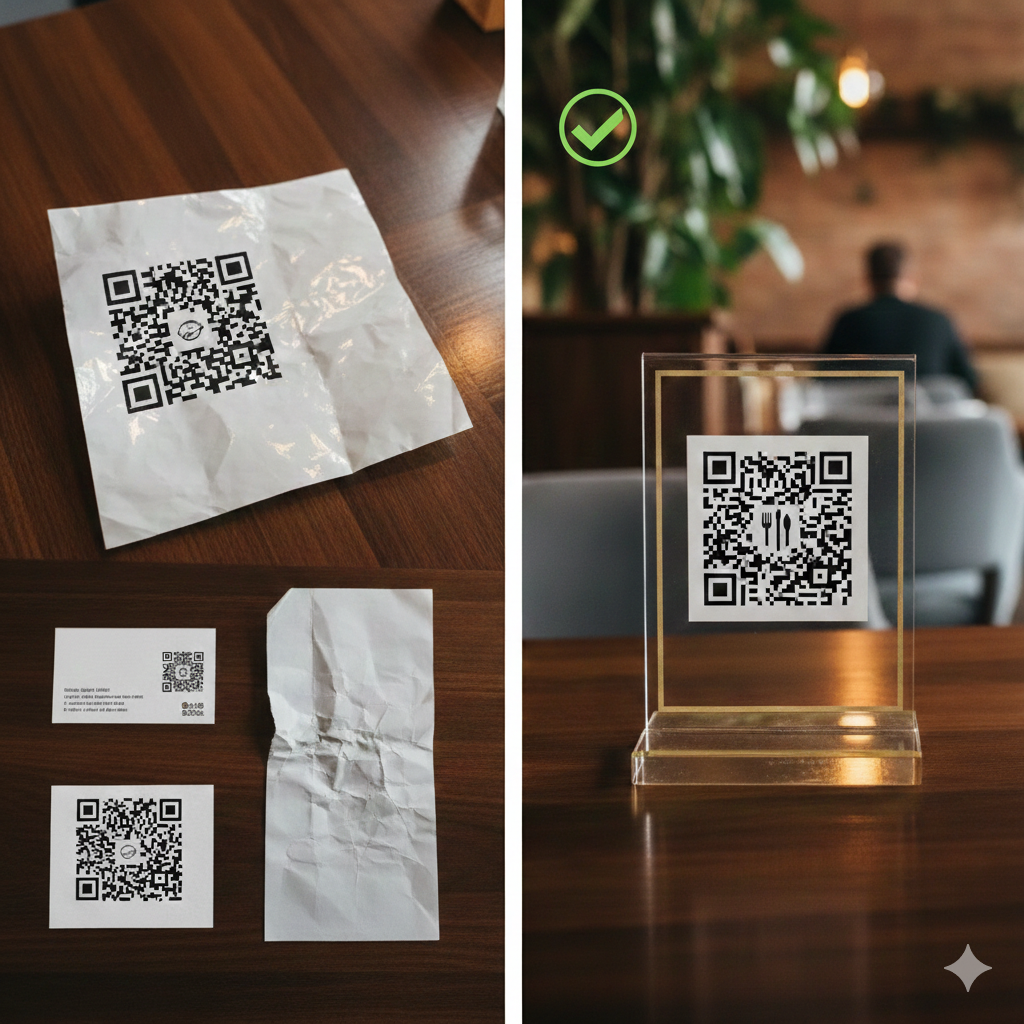
Common Mistakes
- •Linking to PDFs — They're slow, hard to read on mobile, and can't be tracked
- •Not testing — Always scan from a customer's perspective
- •Forgetting to update — Use editable QR codes so you can change links without reprinting
- •Too many codes — One code per purpose; don't overwhelm customers
Cost Comparison
Getting Started
- 1.Start simple — Begin with a digital menu QR code
- 2.Use editable codes — You'll thank yourself when prices change
- 3.Test thoroughly — Different phones, different lighting conditions
- 4.Train your staff — They should be able to help customers who struggle
- 5.Track results — Use QR codes with analytics to see what's working
Ready to modernize your restaurant? Create your QR codes with QRLocker. Change your menu link anytime without reprinting.